 Swooow Studio
Ce guide explique, étape par étape, comment utiliser Swooow pour construire un visuel (bannière, story, post...) en décrivant simplement ce que vous voulez à une IA. Suivez les 10 étapes ci-dessous, ou passez directement à la section qui vous intéresse. This guide explains, step by step, how to use Swooow to build a visual (banner, story, post...) just by describing what you want to an AI. Follow the 10 steps below, or jump straight to the section you need.
Swooow (swooow.online) est un atelier de design en ligne. Plutôt que de dessiner chaque élément à la main, vous décrivez ce que vous voulez à une IA (Claude, ChatGPT, Gemini...), récupérez le code qu'elle génère — le TavCode — puis le collez dans Swooow pour obtenir votre visuel instantanément. Vous pouvez ensuite l'ajuster librement avant de l'exporter.
Swooow (swooow.online) is an online design studio. Instead of drawing every element by hand, you describe what you want to an AI (Claude, ChatGPT, Gemini...), grab the code it generates — the TavCode — then paste it into Swooow to get your visual instantly. You can then freely adjust it before exporting.
Deux façons de démarrer : Blank, une page vierge à construire élément par élément, ou Script, où vous collez un TavCode et Swooow construit le visuel automatiquement. Ce guide se concentre sur la méthode Script, la plus rapide.
Two ways to start: Blank, an empty page built element by element, or Script, where you paste a TavCode and Swooow builds the visual automatically. This guide focuses on the Script method, the fastest one.
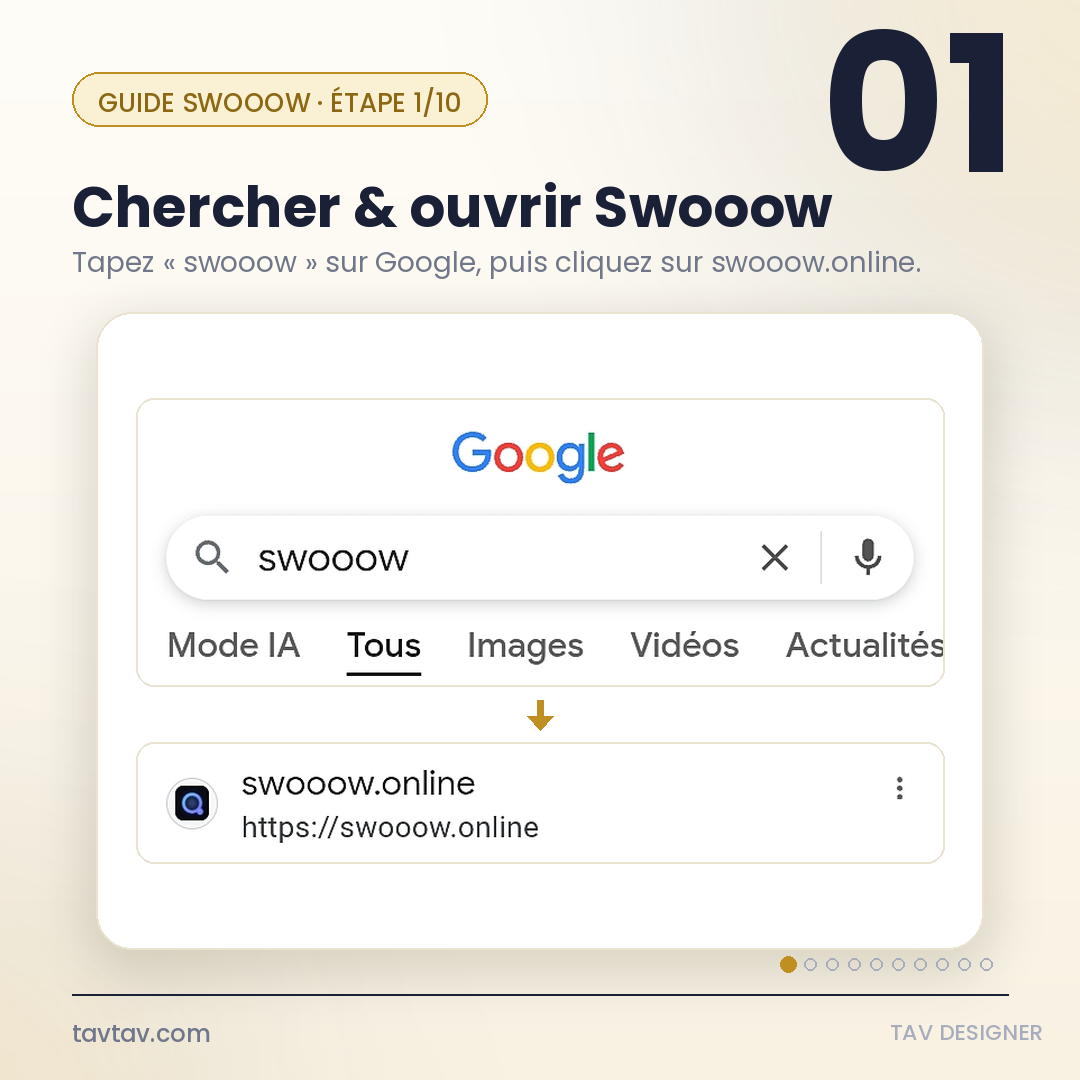
Tapez « swooow » dans la barre de recherche Google, puis cliquez sur le résultat swooow.online pour ouvrir l'atelier.
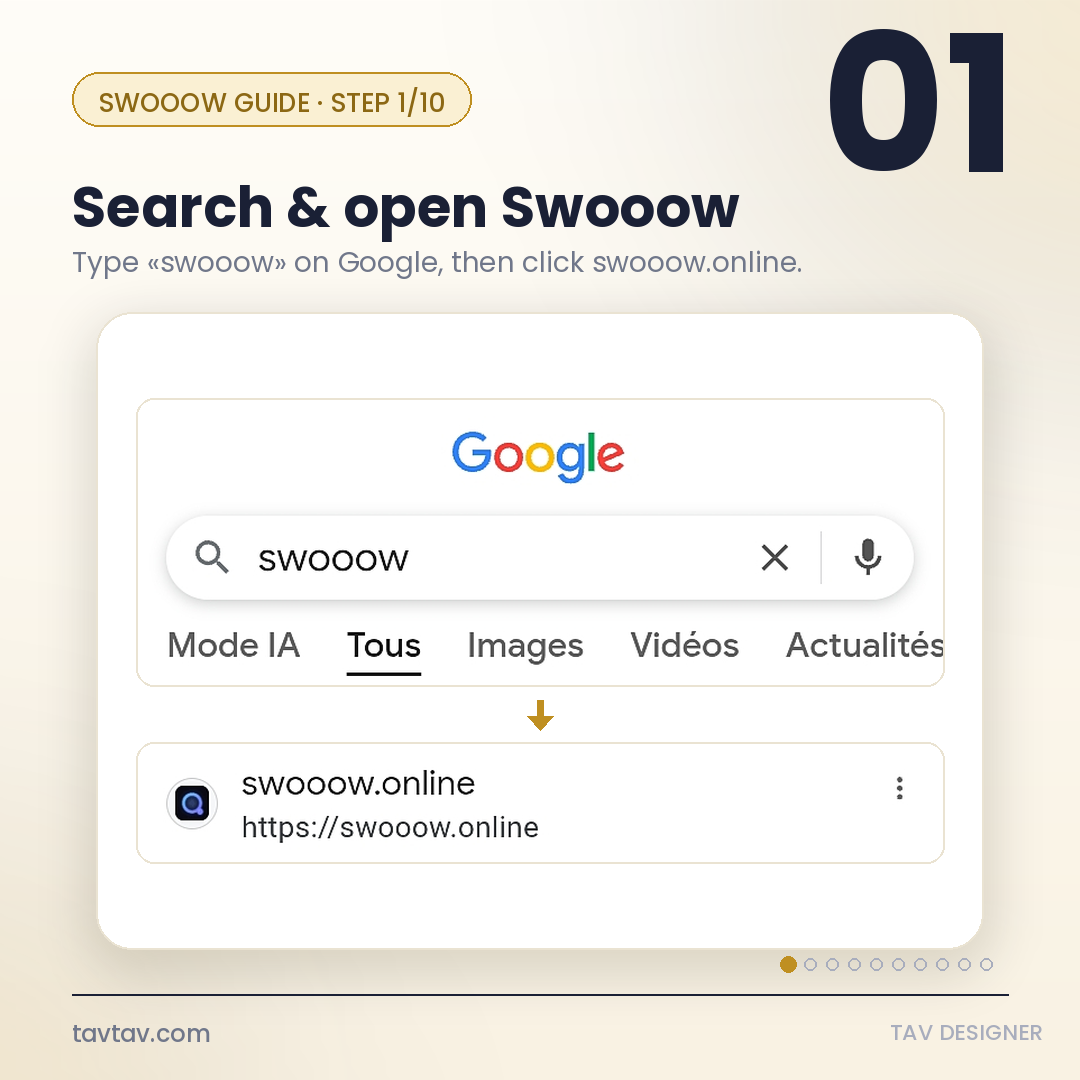
Type "swooow" into the Google search bar, then click the swooow.online result to open the studio.
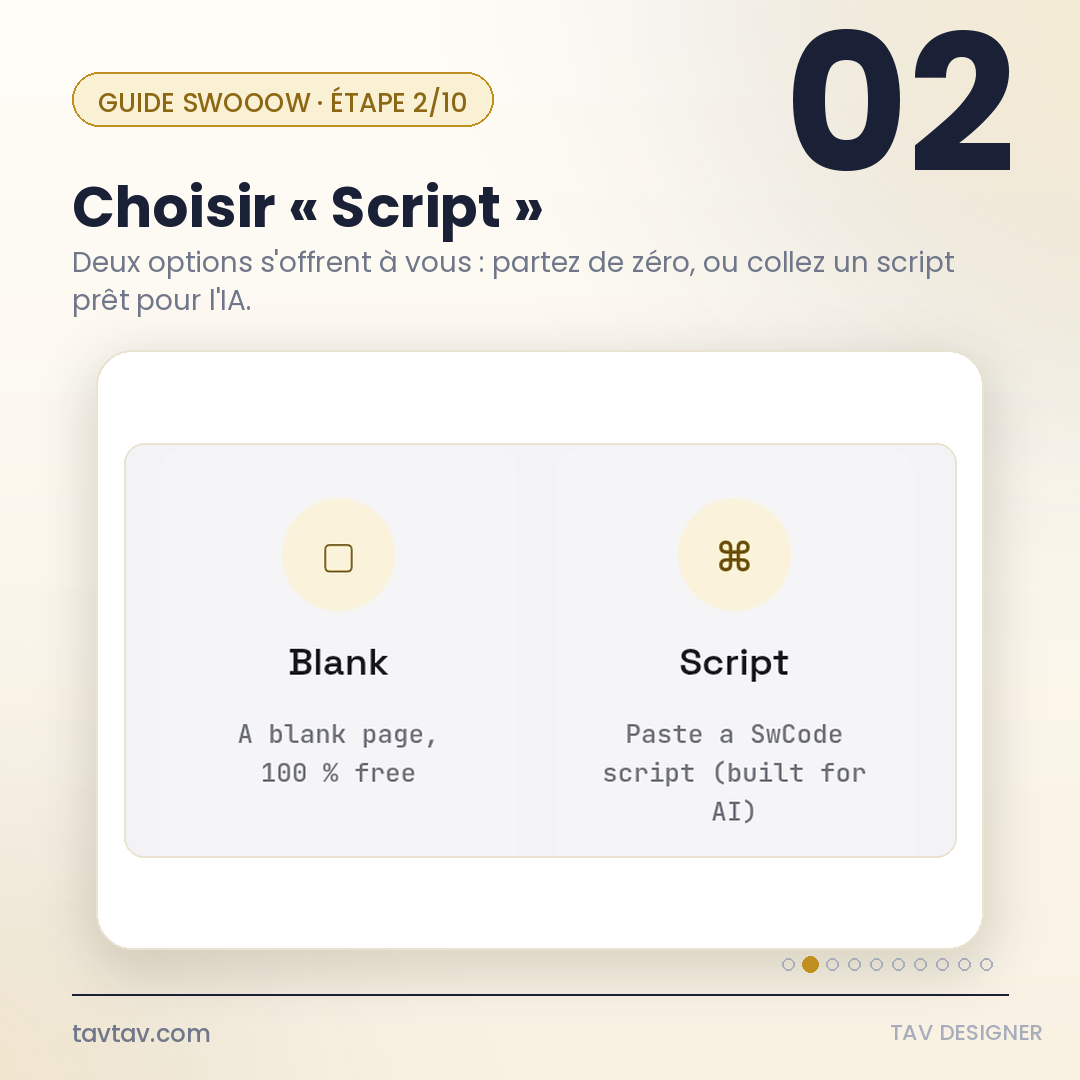
Sur la page d'accueil, deux options apparaissent : Blank (page vierge) et Script (coller un code prêt). Choisissez Script.
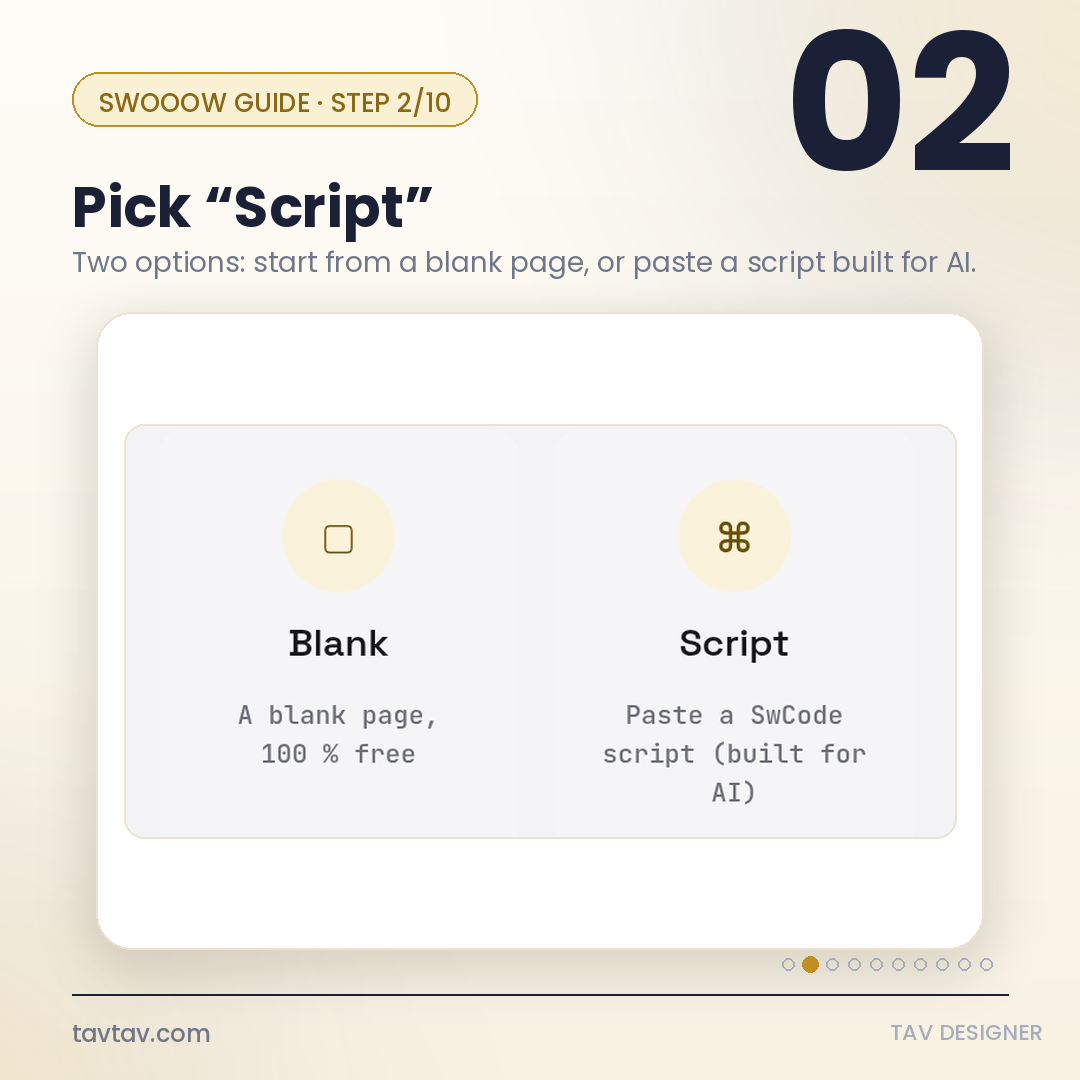
On the home screen, two options appear: Blank (empty page) and Script (paste a ready-made code). Choose Script.
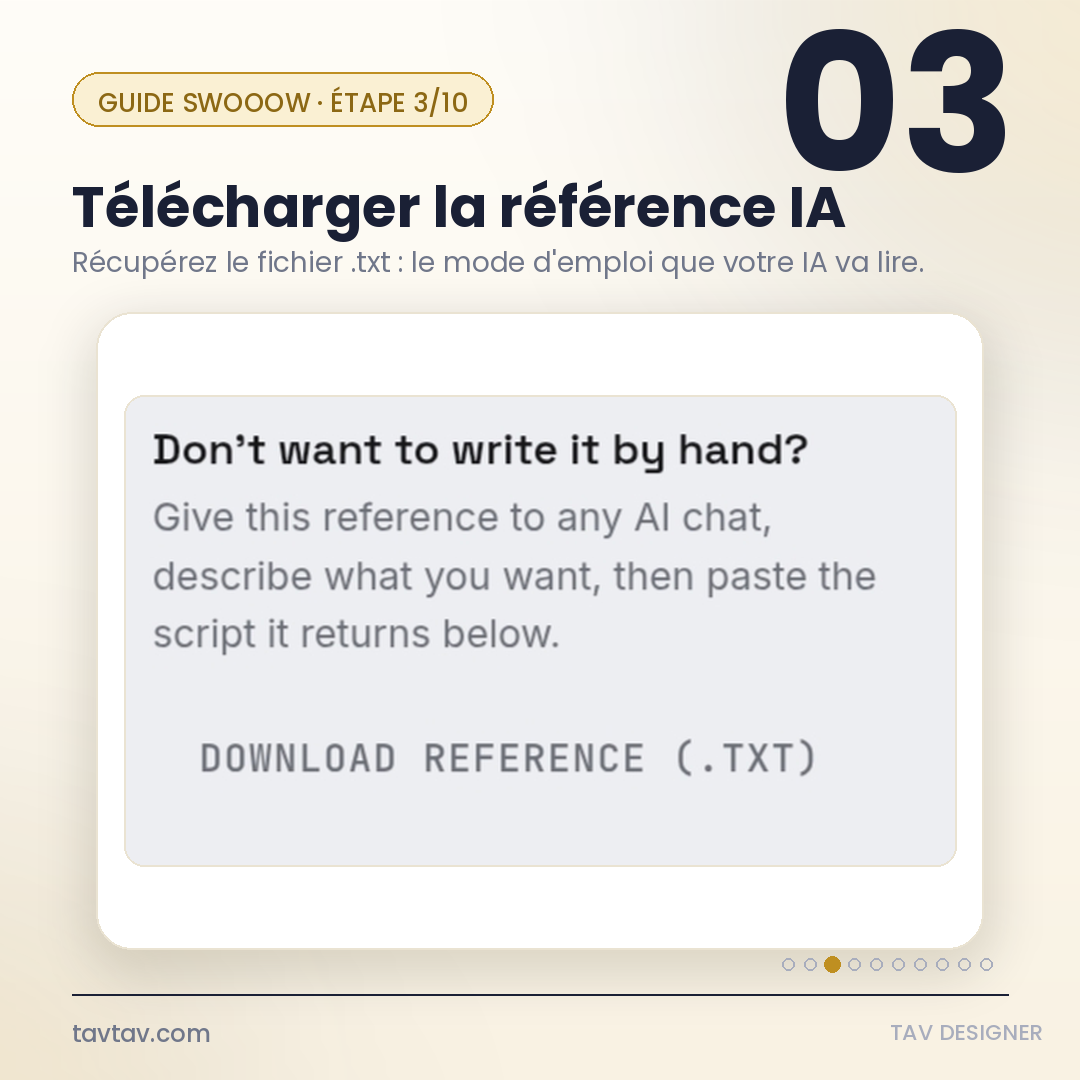
Dans l'écran Script, cliquez sur DOWNLOAD REFERENCE (.TXT). Ce fichier contient toutes les commandes que le TavCode comprend — c'est le mode d'emploi que votre IA va lire pour générer un script valide.
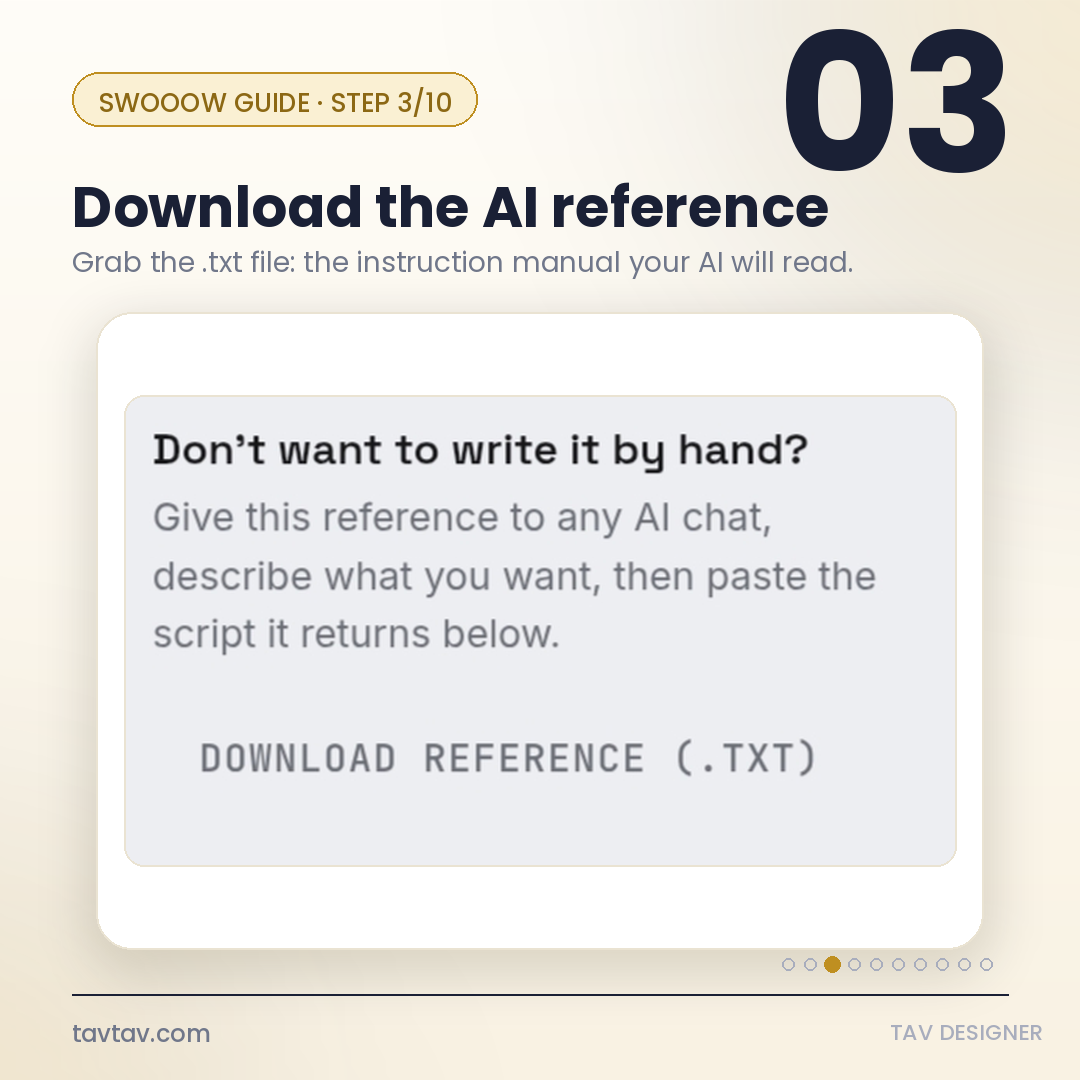
On the Script screen, click DOWNLOAD REFERENCE (.TXT). It contains every command the TavCode language understands — it's the instruction manual your AI will read to generate a valid script.
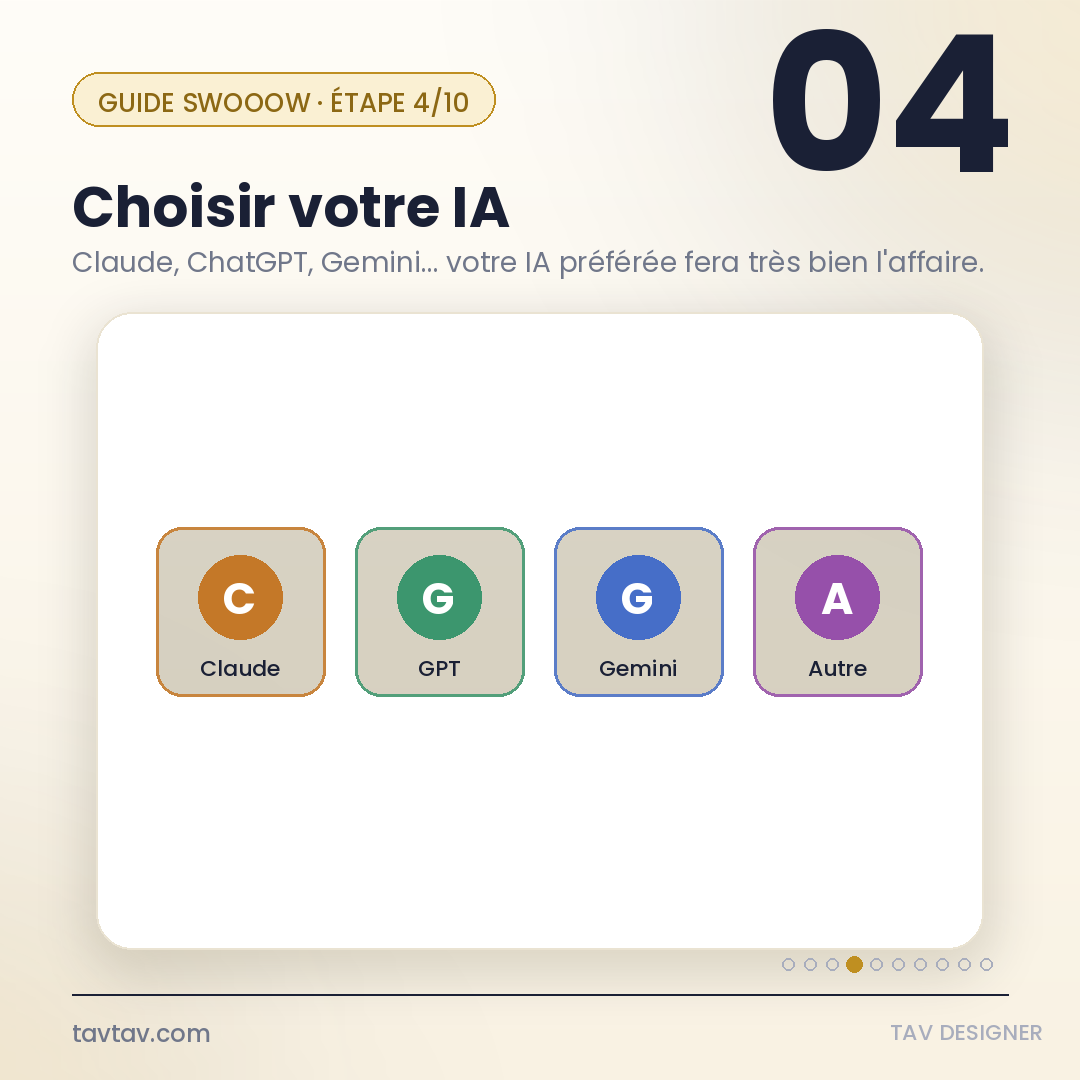
Ouvrez une conversation avec l'IA de votre choix : Claude, ChatGPT, Gemini, ou une autre. Le résultat sera le même quel que soit l'outil, tant qu'il peut lire un fichier texte.
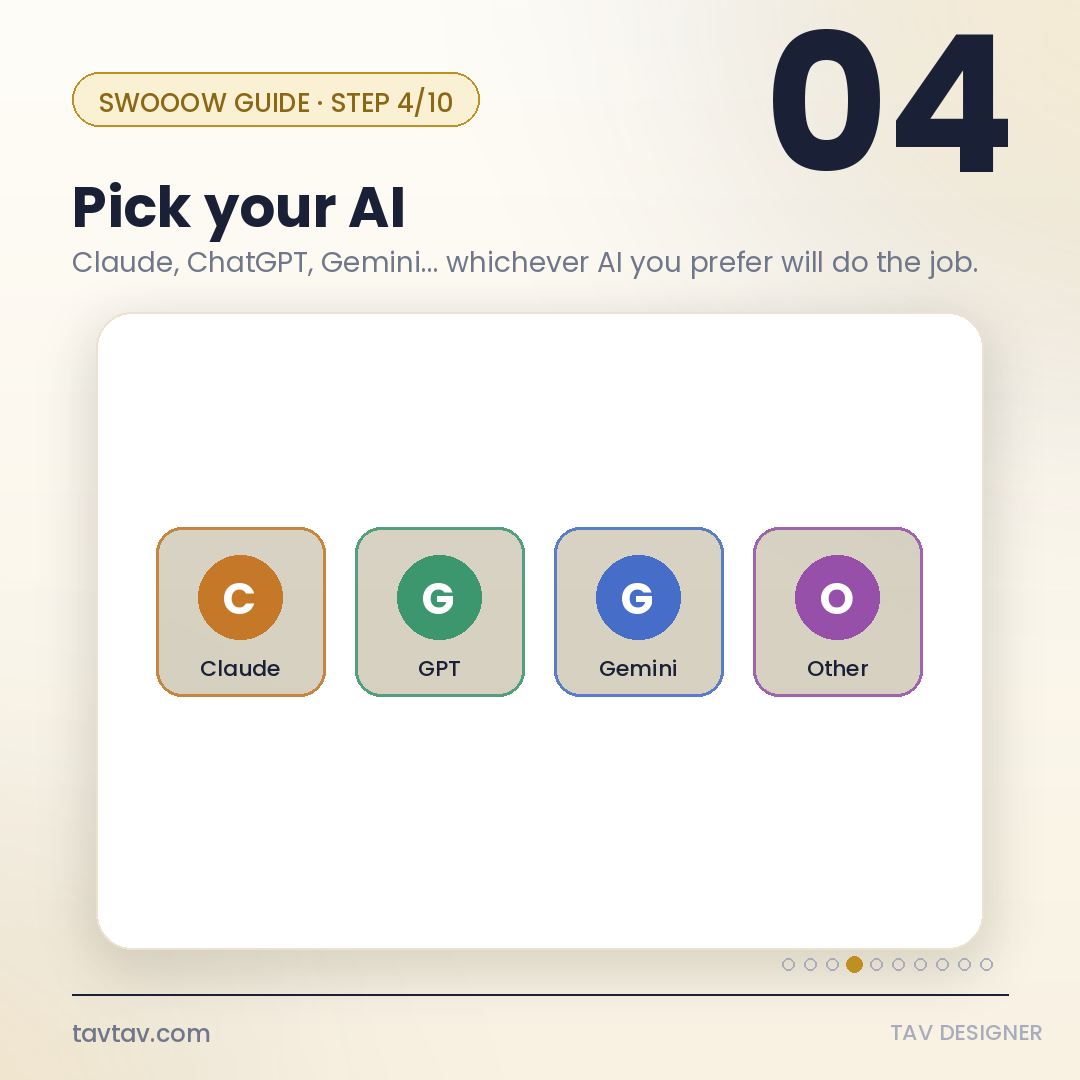
Open a conversation with the AI of your choice: Claude, ChatGPT, Gemini, or another. The result will be the same regardless of the tool, as long as it can read a text file.
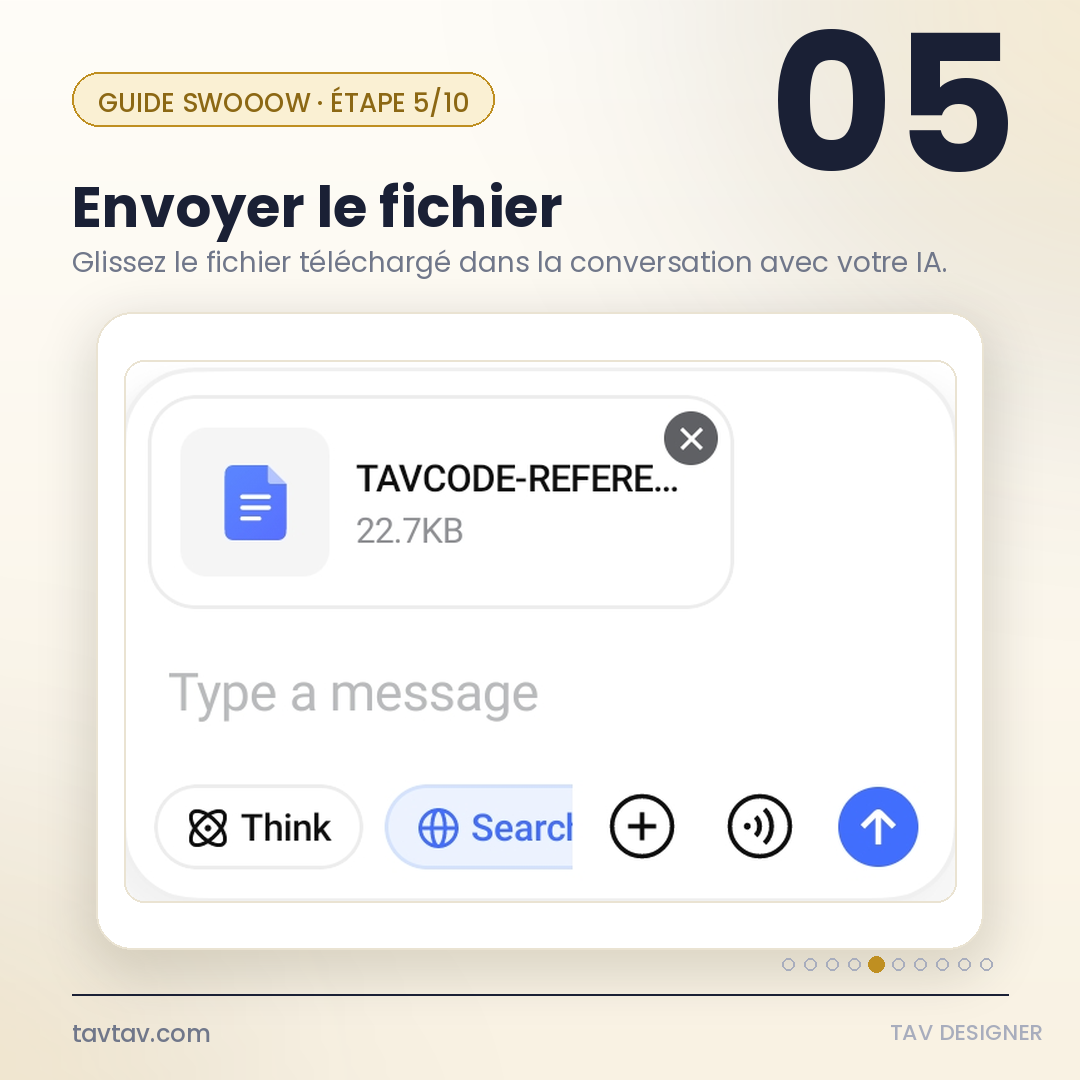
Glissez-déposez (ou joignez) le fichier de référence téléchargé à l'étape 3 dans la conversation avec l'IA.
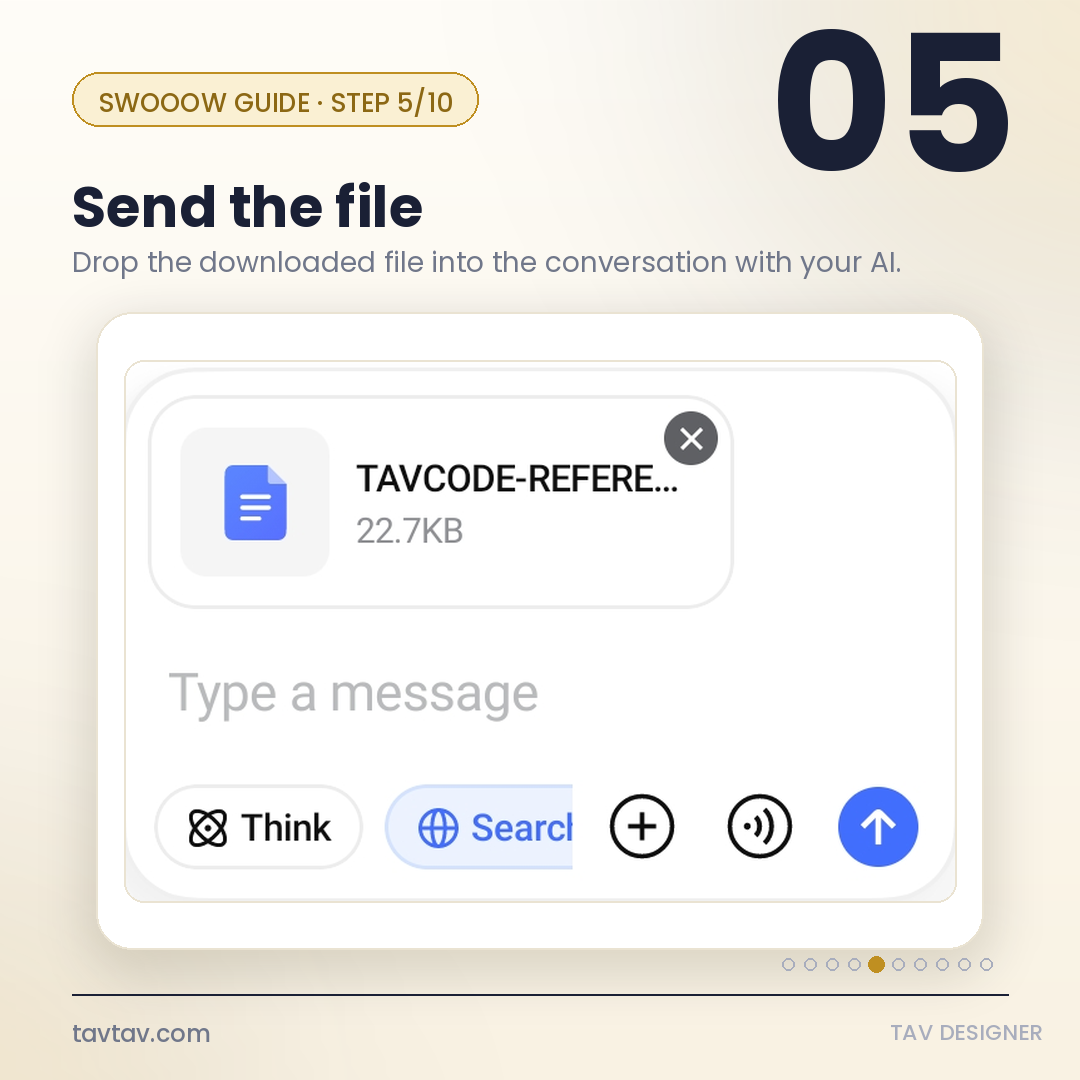
Drag and drop (or attach) the reference file you downloaded in step 3 into the conversation with your AI.
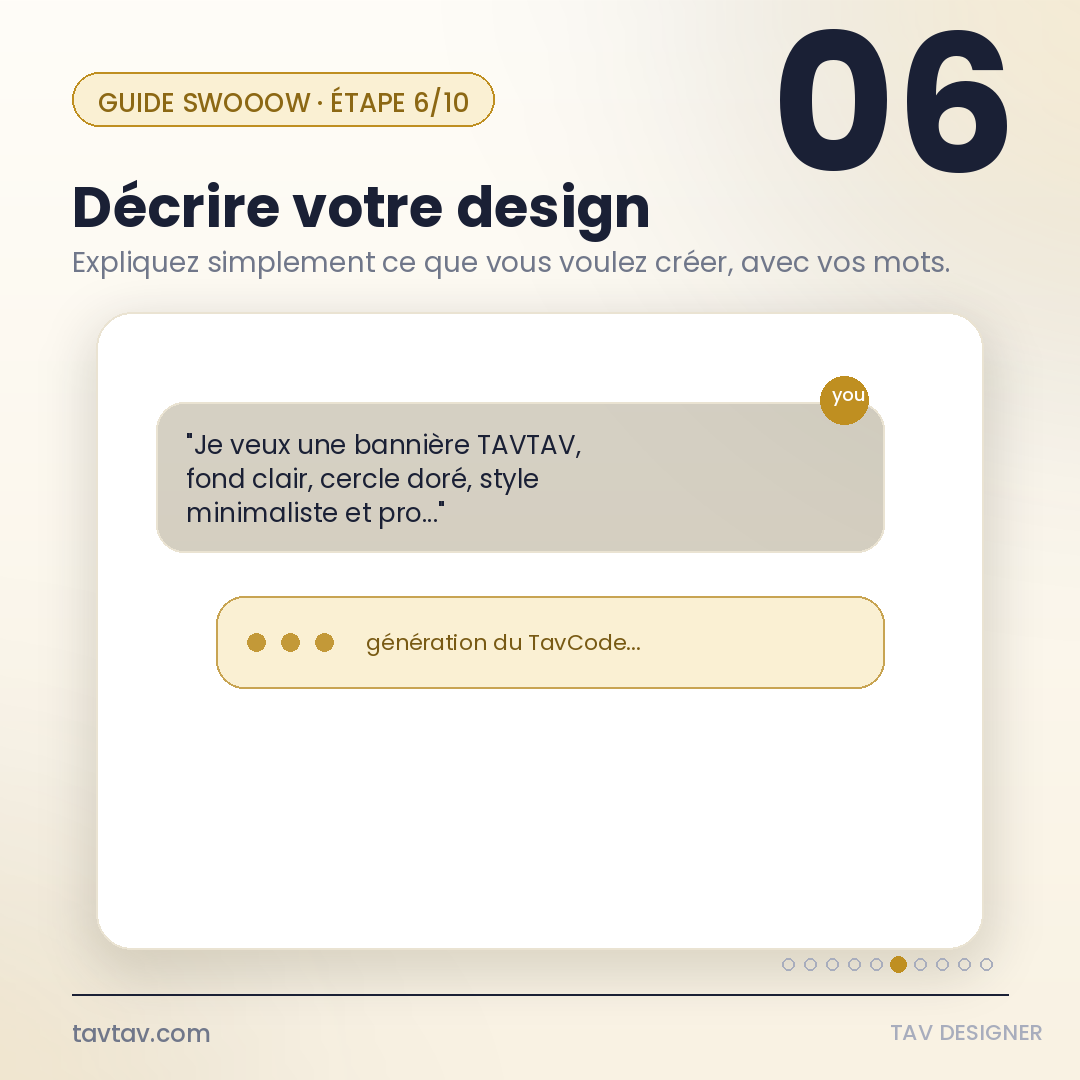
Expliquez à l'IA, avec vos propres mots, ce que vous voulez créer : le format, les couleurs, le style, le texte à afficher, etc. Plus la description est précise, plus le résultat sera proche de vos attentes.
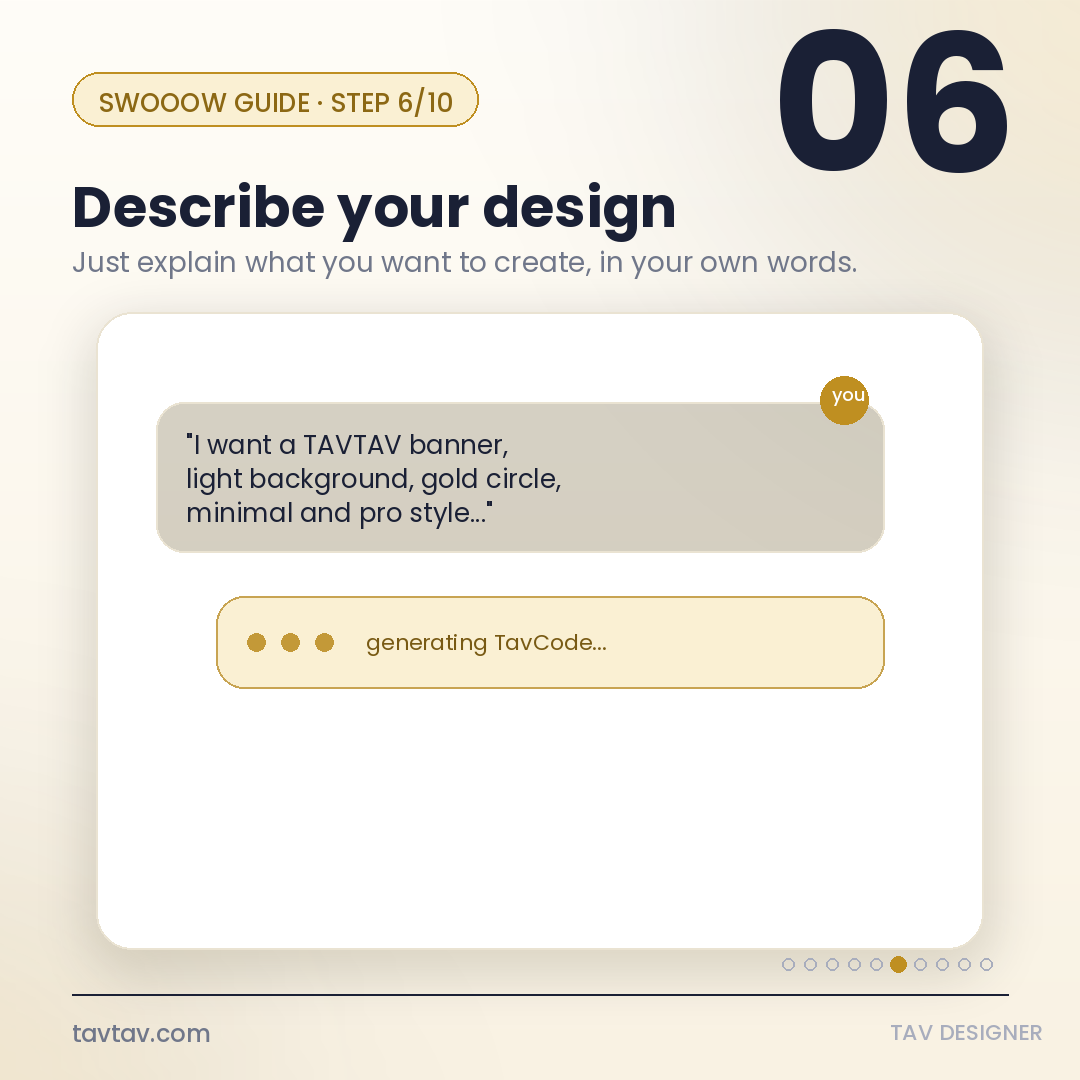
Explain to the AI, in your own words, what you want to create: the format, colors, style, text to display, etc. The more precise the description, the closer the result will be to what you have in mind.
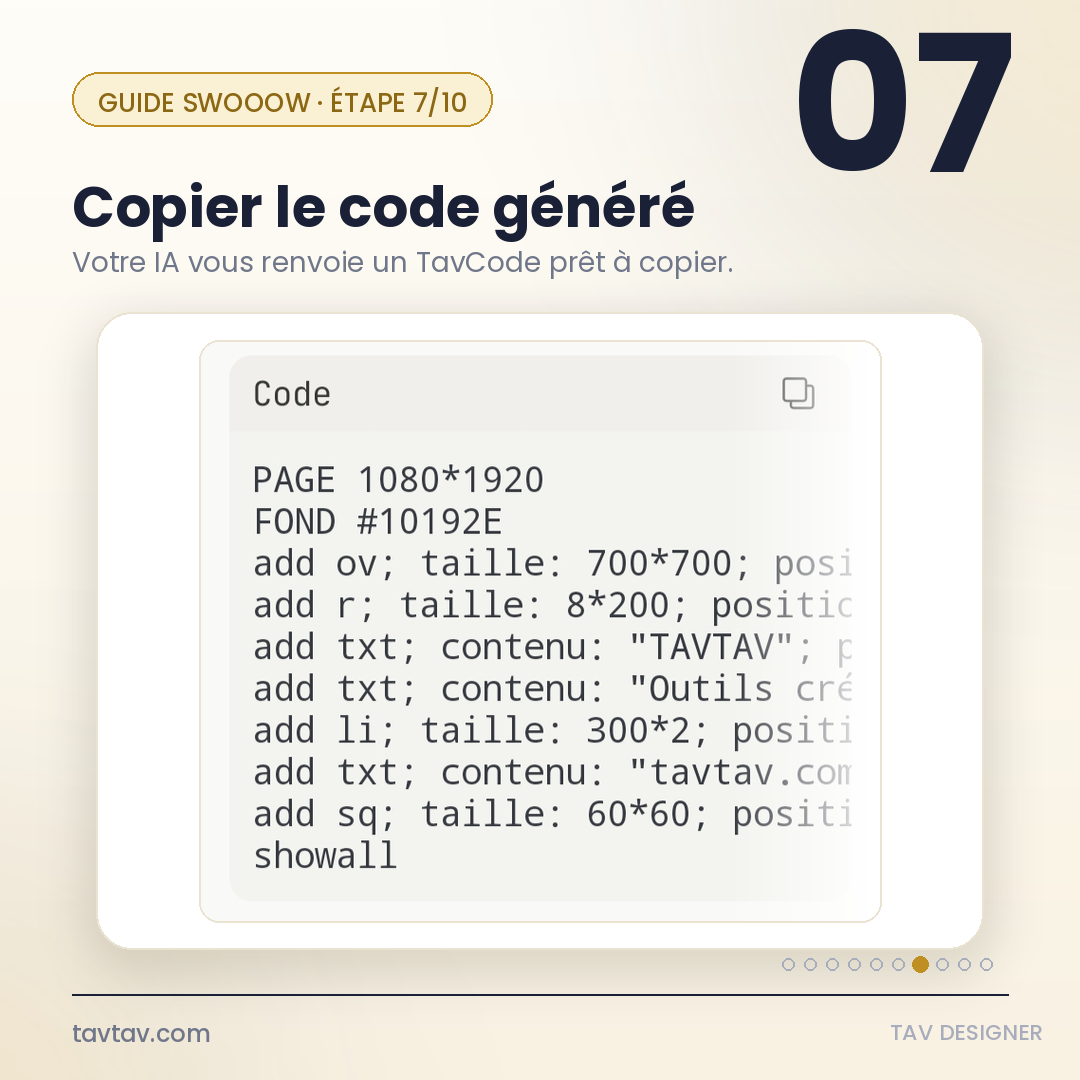
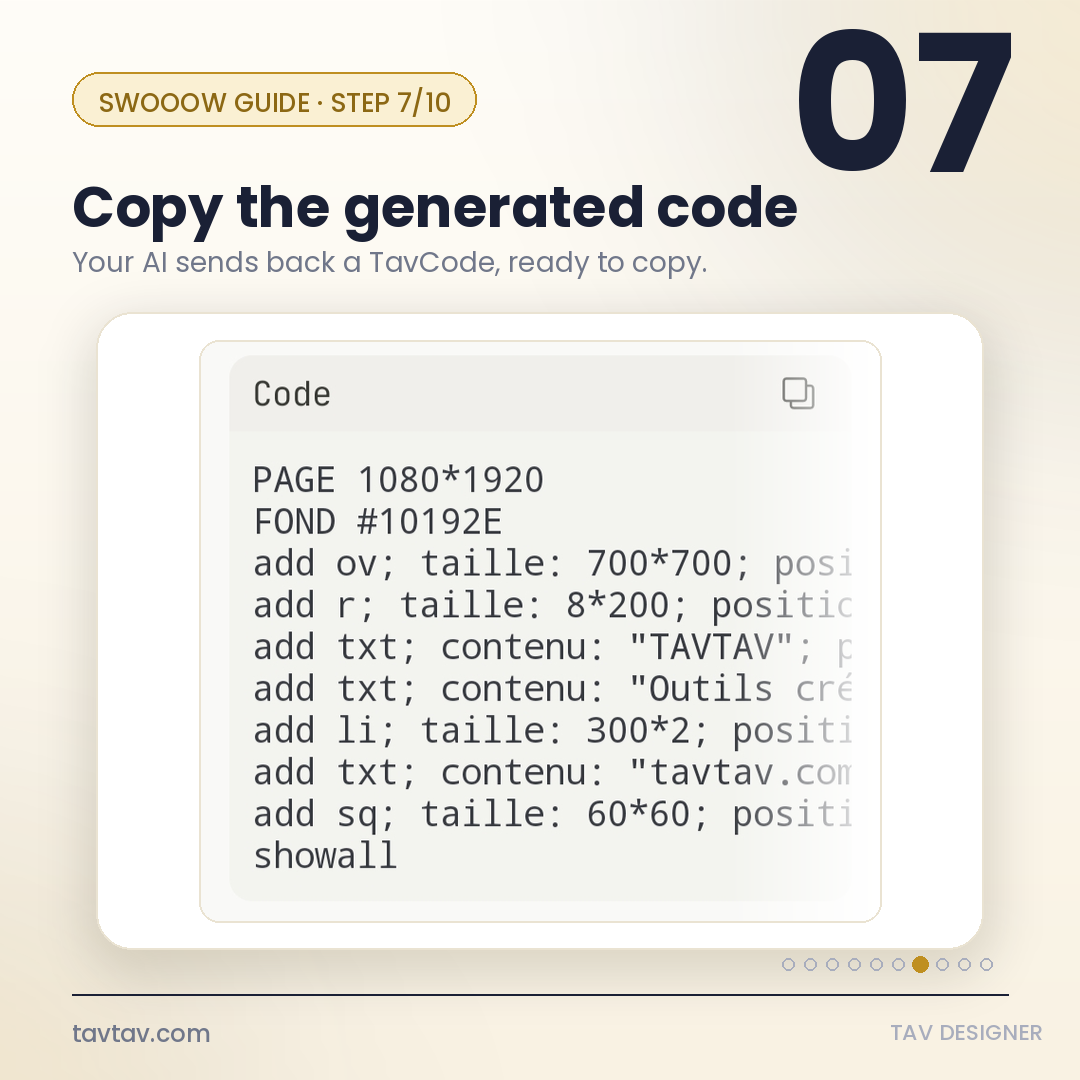
L'IA vous renvoie un bloc de code : le TavCode. Copiez-le intégralement (le bouton de copie est généralement en haut du bloc de code).
The AI sends back a code block: the TavCode. Copy it in full (the copy button is usually at the top of the code block).
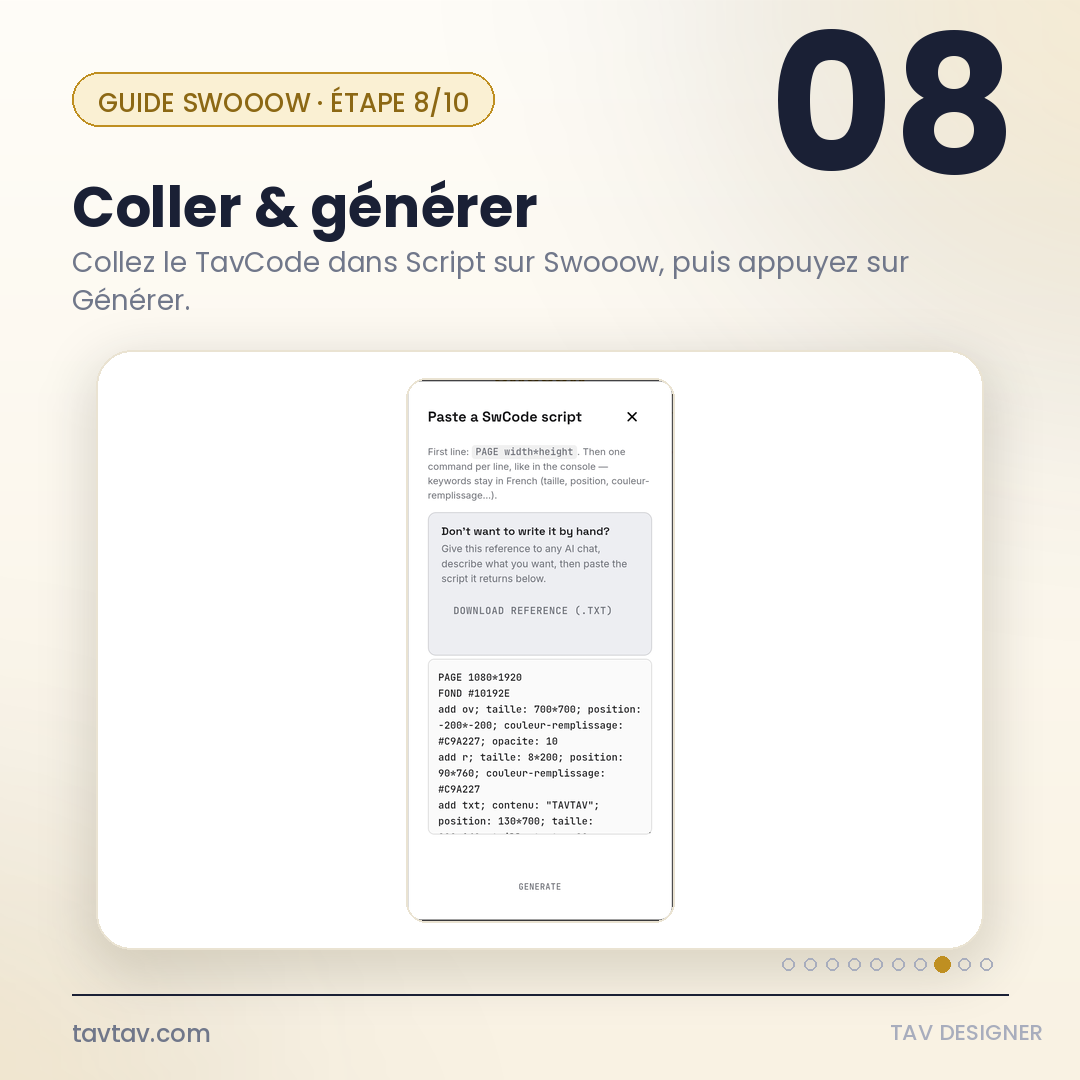
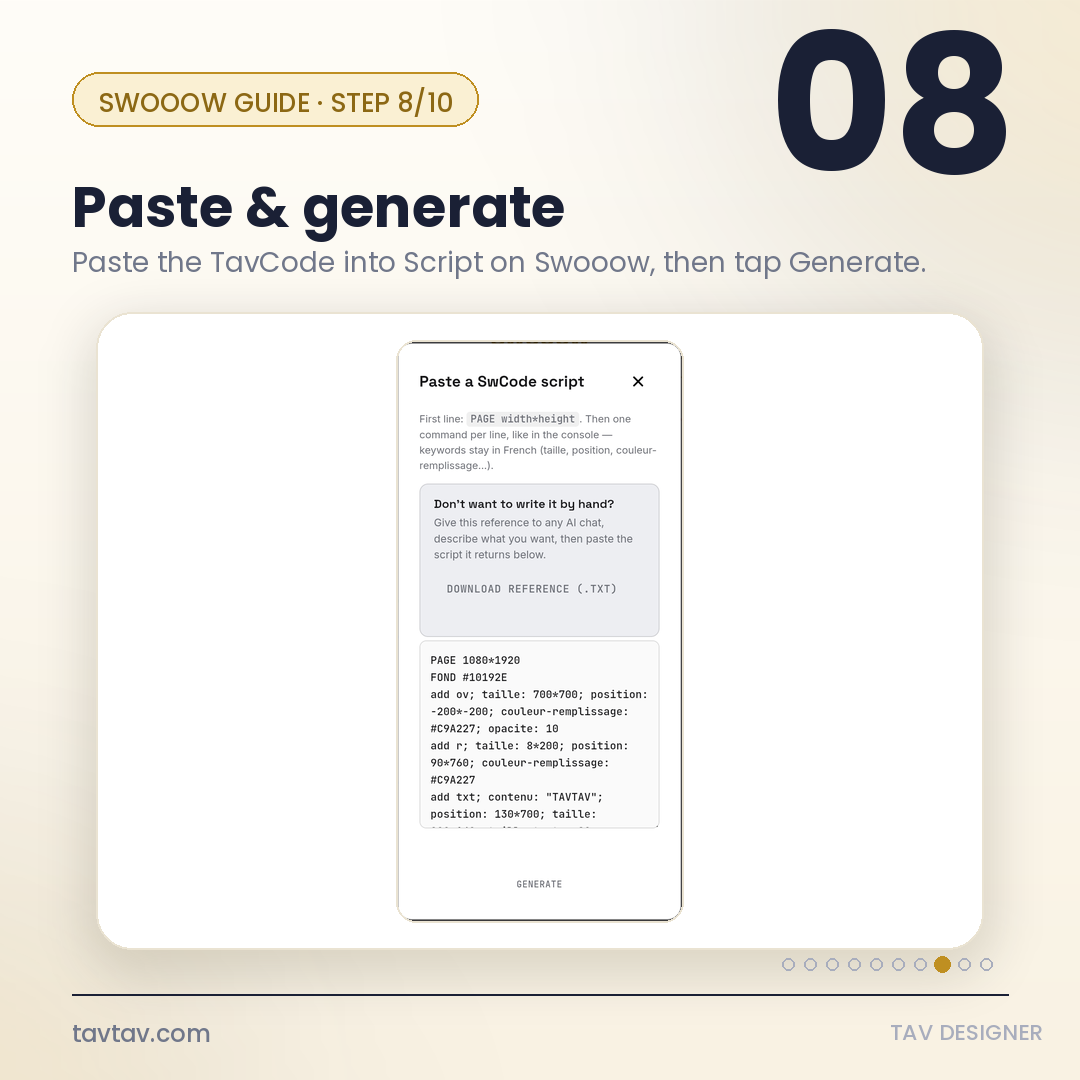
Retournez sur Swooow, dans l'écran Script. Collez le TavCode dans la zone de texte, puis appuyez sur GENERATE. Votre visuel apparaît instantanément.
Go back to Swooow, on the Script screen. Paste the TavCode into the text box, then tap GENERATE. Your visual appears instantly.
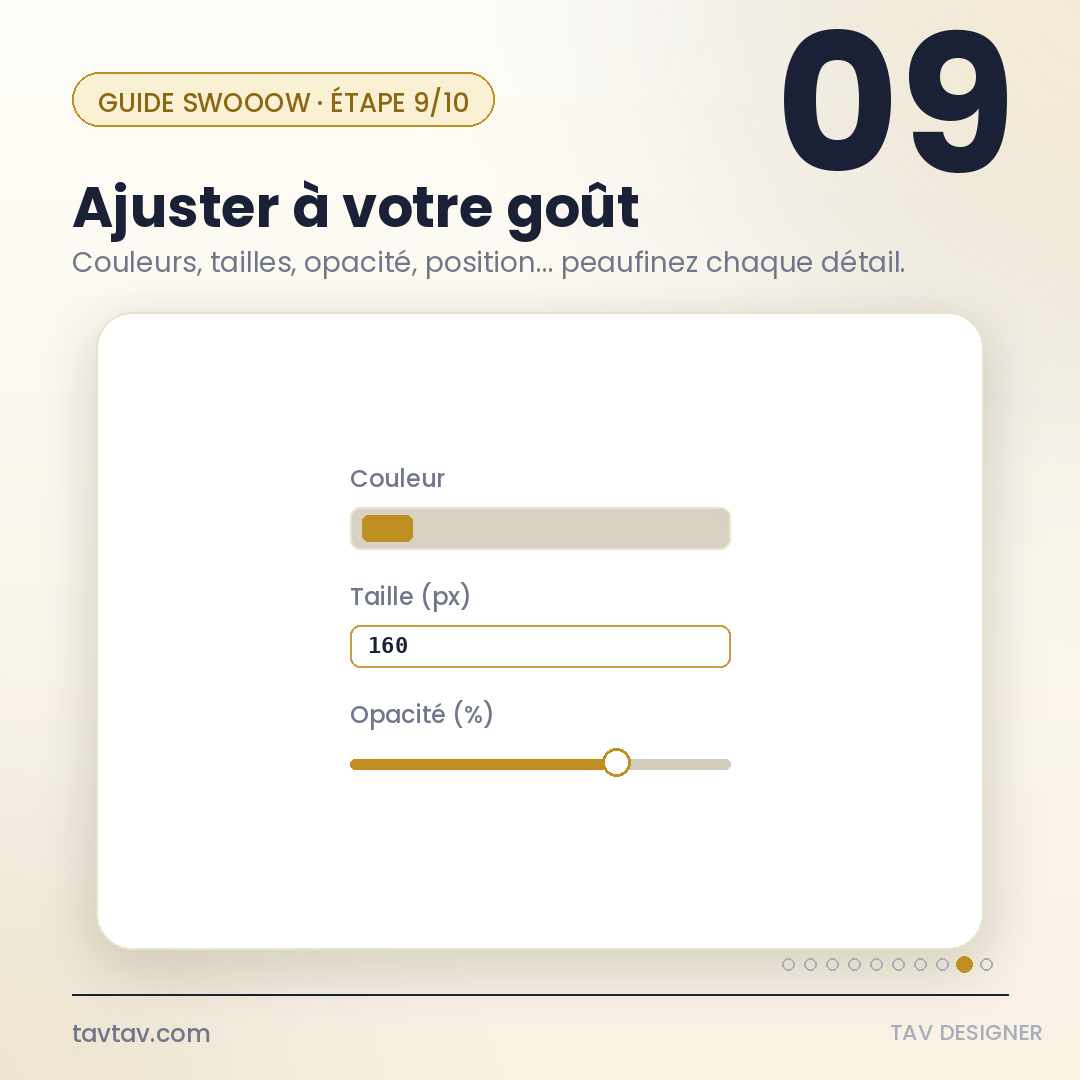
Une fois le visuel généré, modifiez chaque élément directement dans l'atelier : couleur, taille, opacité, position... Rien n'est figé.
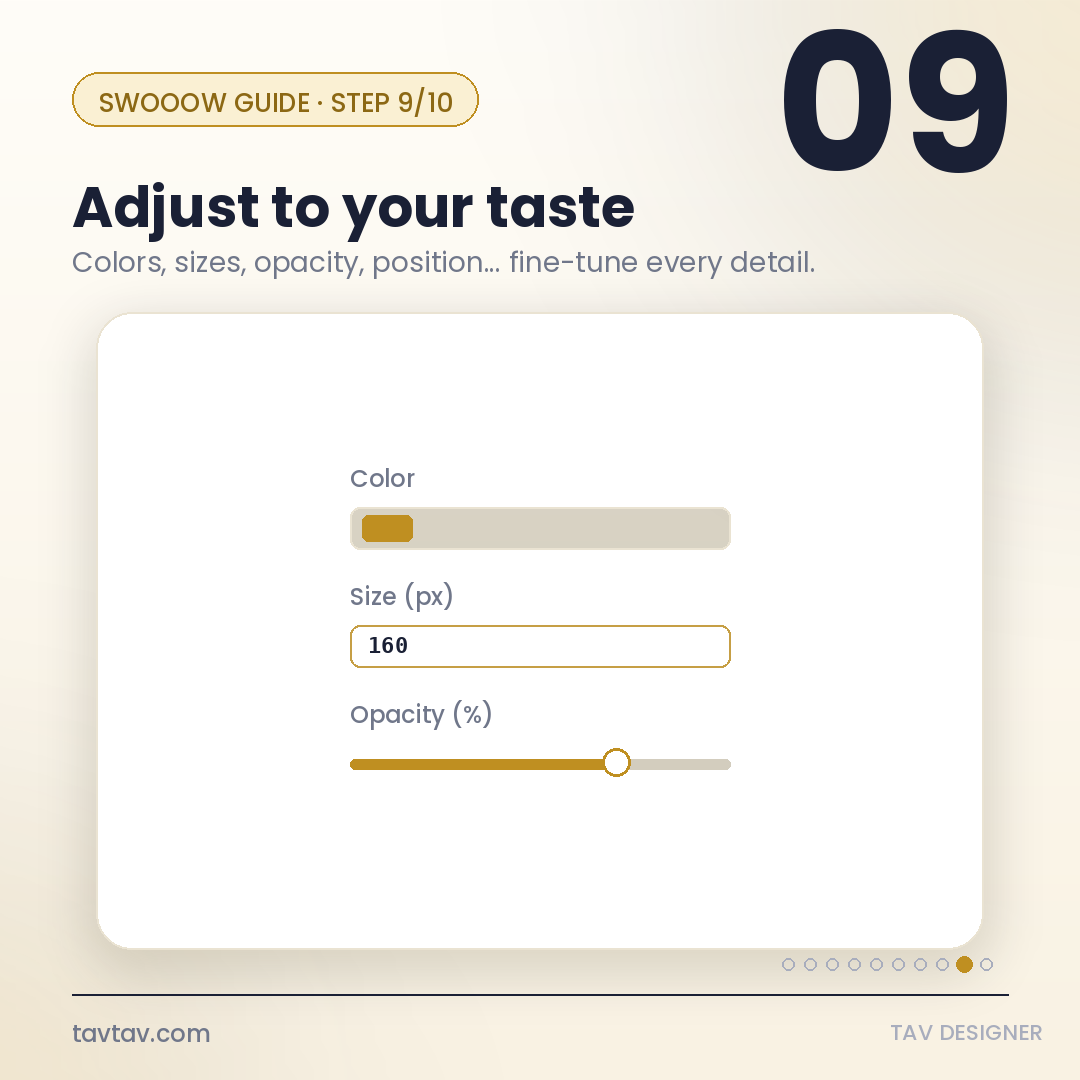
Once the visual is generated, tweak every element right in the studio: color, size, opacity, position... nothing is set in stone.
Téléchargez votre création dans le format de votre choix. Et voilà — vous êtes désormais un Tav Designer.
Download your creation in the format of your choice. That's it — you're now a Tav Designer.
Donnez des dimensions, des couleurs (en hexadécimal si possible), et le ton recherché (minimaliste, coloré, corporate...).
Give dimensions, colors (in hex if you know them), and the tone you're after (minimal, colorful, corporate...).
Si le premier résultat ne convient pas, redemandez à l'IA en précisant ce qui doit changer, puis régénérez le TavCode.
If the first result isn't quite right, ask the AI again, pointing out what should change, then regenerate the TavCode.
Un TavCode qui vous plaît peut être légèrement modifié pour créer une variante (autre texte, autre couleur) sans repartir de zéro.
A TavCode you like can be kept and slightly tweaked to create a new variant without starting from scratch.
Sans lui, l'IA ne connaît pas la syntaxe exacte du TavCode et risque de générer un script invalide.
Without it, the AI won't know the exact TavCode syntax and may generate an invalid script.
Un langage simple qui empile des commandes add. Le détail complet se trouve dans le fichier de référence téléchargé à l'étape 3.
A simple language that stacks add commands. The full syntax is documented in the reference file downloaded in step 3.
PAGE largeur*hauteur — format du visuelcanvas sizeFOND #couleur — couleur de fondbackground coloradd ov — cercle / ovalecircle / ovaladd r — ligne / rectangleline / rectangleadd txt — textetextadd sq — carrésquaretaille / position — dimensions et emplacementsize and positionshowall — affiche tous les élémentsrenders every elementVérifiez que vous avez bien transmis le fichier de référence complet, et redemandez à l'IA de reformuler le TavCode en respectant strictement sa syntaxe.
Make sure you sent the complete reference file, and ask the AI to rewrite the TavCode strictly following that file's syntax.
Oui, tant qu'elle peut lire un fichier texte et générer du texte en retour. Claude, ChatGPT et Gemini fonctionnent tous très bien.
Yes, as long as it can read a text file and generate text back. Claude, ChatGPT and Gemini all work well.
Non. L'IA écrit le TavCode à votre place ; vous n'avez qu'à décrire ce que vous voulez.
No. The AI writes the TavCode for you; you just need to describe what you want.